

OpenLLM is an AI gateway and LLM routing platform that provides a unified API interface, allowing you to call over 300 large language models—including OpenAI, Anthropic, DeepSeek, and Zhipu AI—using a single codebase.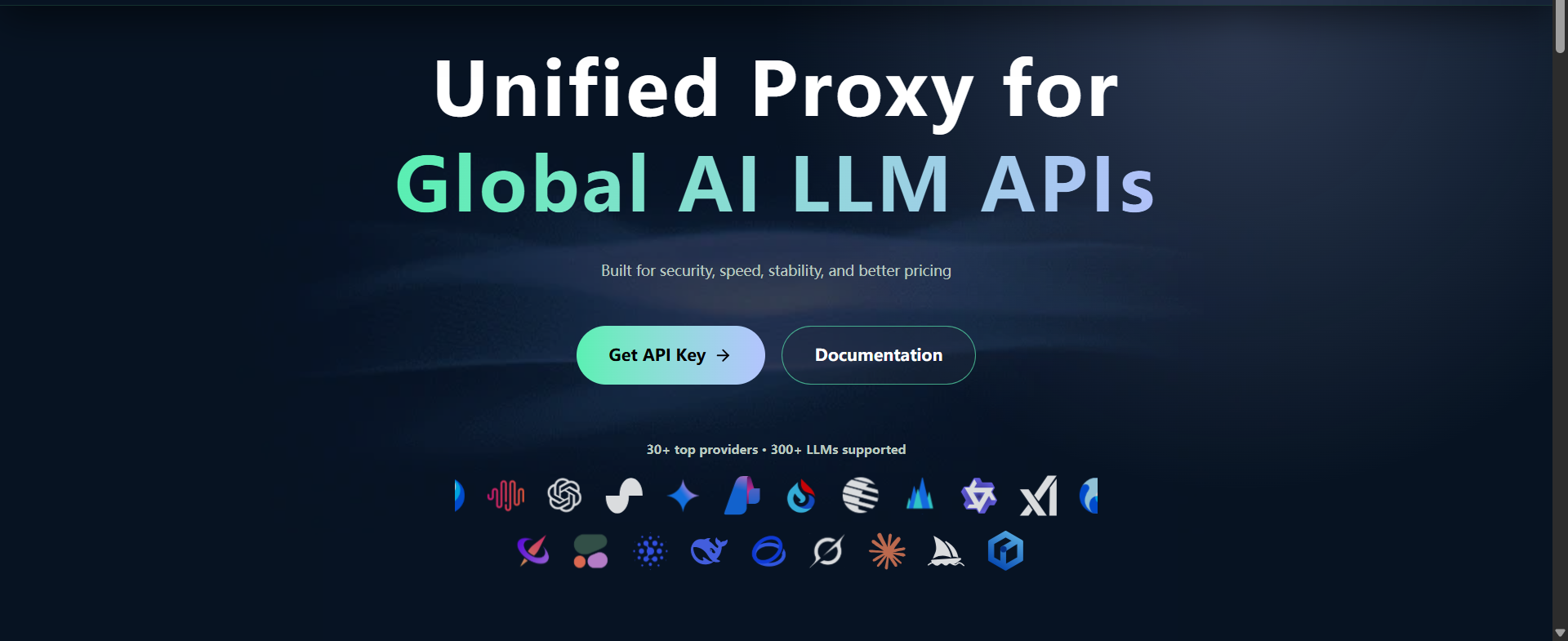
🌟 Core Advantages
🚀 Unified API – Simplifies development across multiple LLMs
💰 Smart Routing – Reduces costs by routing requests efficiently
⚡ High Concurrency – Stable and reliable performance
📊 Centralized Management – Visual monitoring and analytics
Quick Start: 5 Steps to Integration 🚀

Step 1: Register an Account
Visit the official site: https://openllm.shop/
Click “Register” at the top-right corner
Enter your email and password
Complete the account creation
Step 2: Obtain API Key
Log in to your OpenLLM account
Go to API Keys
Click “Copy BASE URL”
Click “Copy Key” (keep it secure!)
Example API key:
sk-xxxxxxxxxxxxxxxxxxxxxxxxxxxxxxxx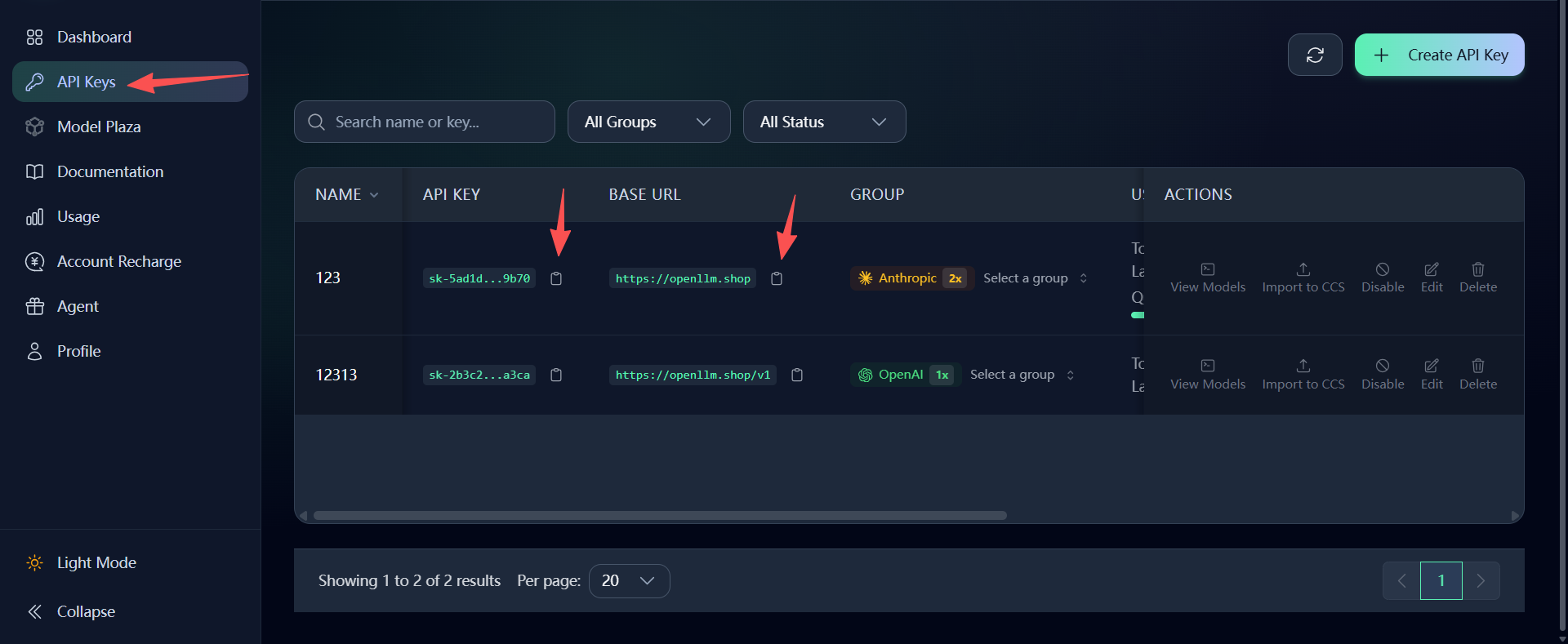
Step 3: Choose a Model
Navigate to your project page
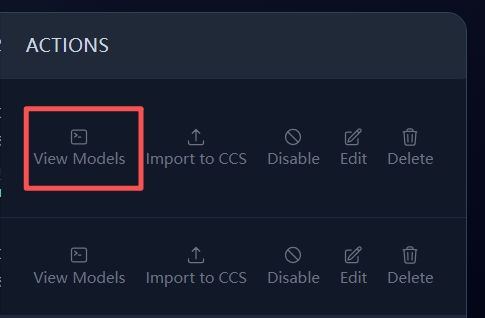
Click “View Models”
Browse the available model list
Select and copy the desired model ID
🔥 Popular Models:
Claude Code series (Anthropic)
gpt-5.5(OpenAI)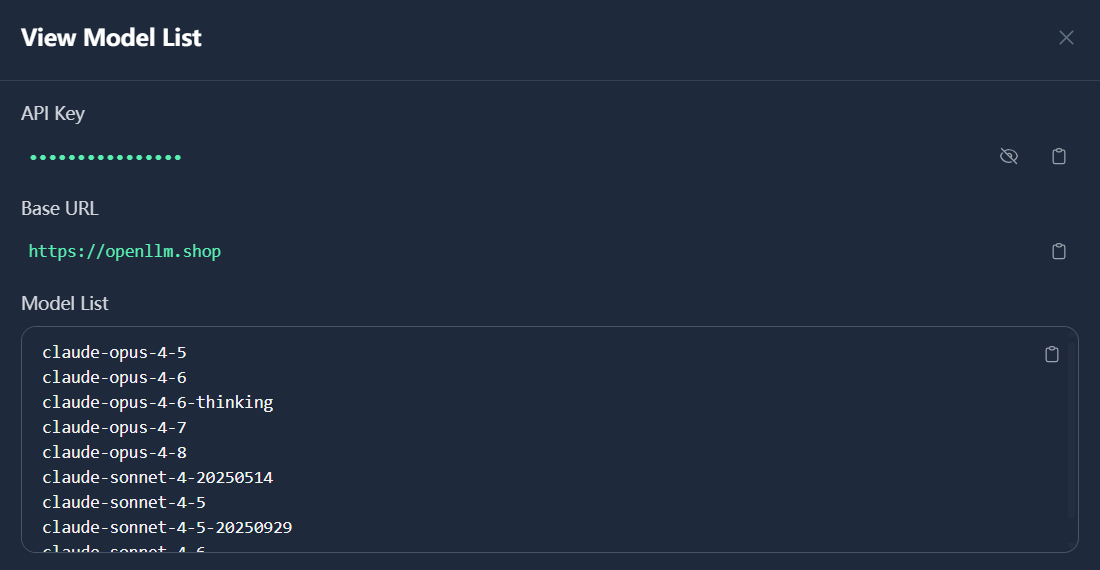
Step 4: Configure in Your AI Tool
Fill the following fields in your AI tool (Cursor, Trae, Claude Code, OpenClaw, etc.):
BaseURL – Paste the copied URL (Anthropic format recommended)
API Key – Paste your API key
Model ID – Example:
claude-sonnet-4-6
Once configured, your tool is ready to connect.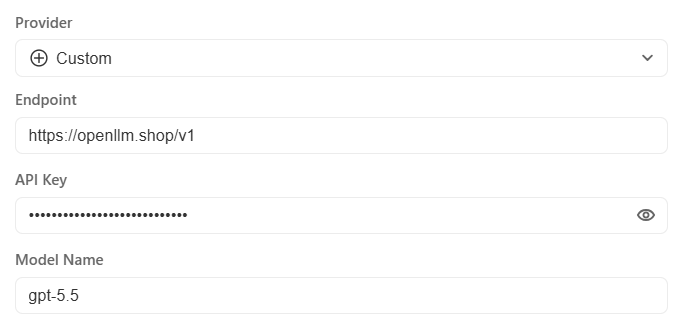
Code Examples 💻
3.1 Using curl
curl -X POST https://api.openllm.shop/v1/chat/completions \
  -H "Authorization: Bearer YOUR_API_KEY" \
  -H "Content-Type: application/json" \
  -d '{
    "model": "gpt-4",
    "messages": [
      {"role": "user", "content": "Hello!"}
    ]
  }'
3.2 Python Example
import requests

API_KEY = "YOUR_API_KEY"
API_URL = "https://api.openllm.shop/v1/chat/completions"

headers = {
    "Authorization": f"Bearer {API_KEY}",
    "Content-Type": "application/json"
}

data = {
    "model": "gpt-4",
    "messages": [
        {"role": "user", "content": "Hello!"}
    ]
}

response = requests.post(API_URL, headers=headers, json=data)
print(response.json())
3.3 Node.js Example
const response = await fetch('https://api.openllm.shop/v1/chat/completions', {
  method: 'POST',
  headers: {
    'Authorization': 'Bearer YOUR_API_KEY',
    'Content-Type': 'application/json'
  },
  body: JSON.stringify({
    model: 'gpt-4',
    messages: [{ role: 'user', content: 'Hello!' }]
  })
});

const data = await response.json();
console.log(data);
3.4 Switching Models
Simply change the model parameter:
# Using Claude
data["model"] = "claude-sonnet-4-6"

# Using DeepSeek
data["model"] = "deepseek-v3.2"

# Using Zhipu AI
data["model"] = "glm-5.1"
Summary 🎉
OpenLLM makes large model integration fast and simple:
Step | Time |
|---|---|
Register Account | 20 sec |
Obtain API Key | 10 sec |
Choose Model | 10 sec |
Configure Tool | 20 sec |
Integration Complete | 1 min |
With OpenLLM, you can access hundreds of LLMs with just one unified API.